Lending Lockers
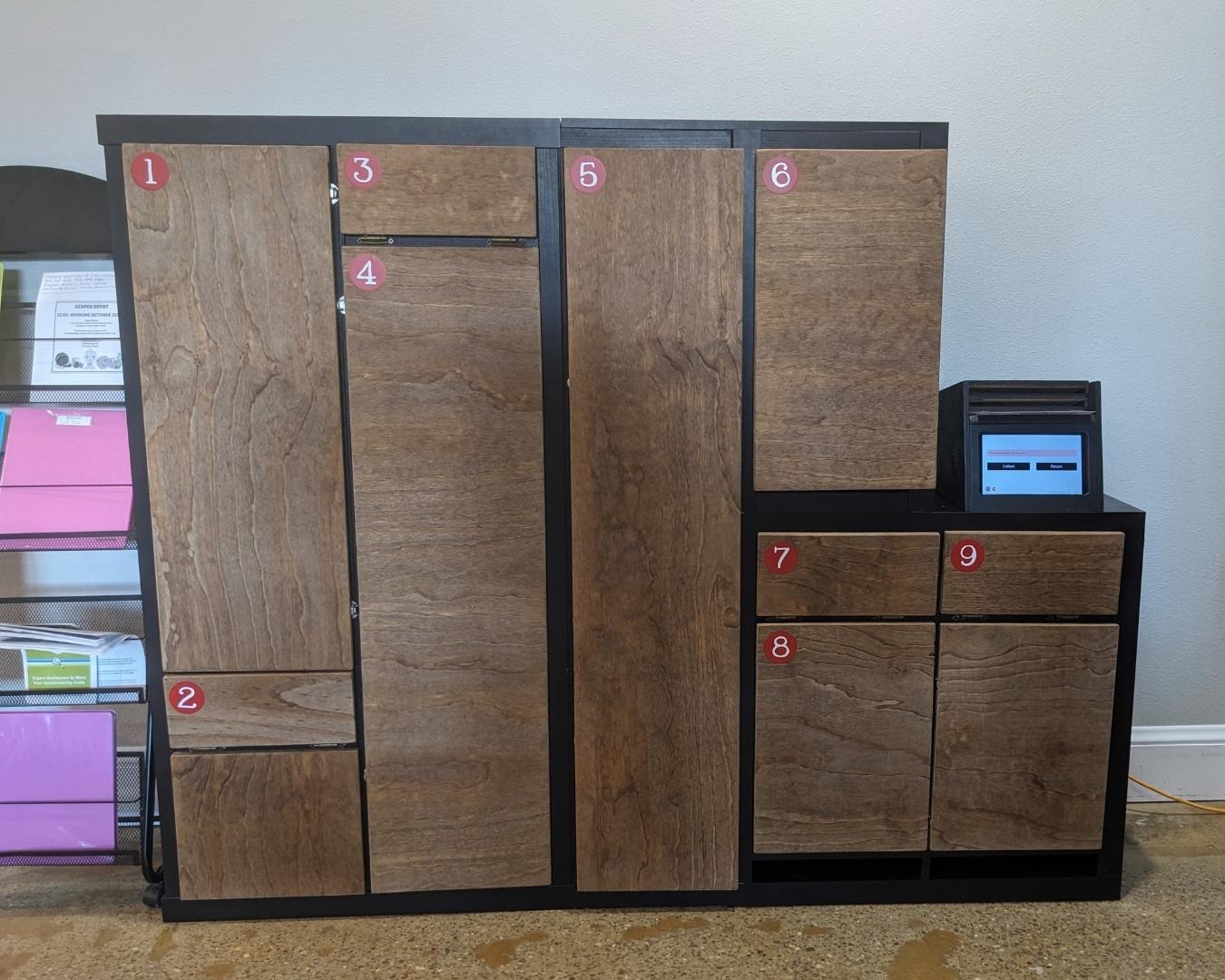
Self-Serve Lending Lockers are available to all Rockwood Common library members!Read below or watch the video to learn how to borrow today!Our first self-serve locker is at The Rosewood Initiative! Find hours, address and more here |
 |
How to Borrow from a Self-Serve Lending Locker
1 |
Register
|
Visit tools.rockwoodcommon.org/register. ID & proof of address must be verified by a volunteer during verification hours.
|
2 |
Reserve
|
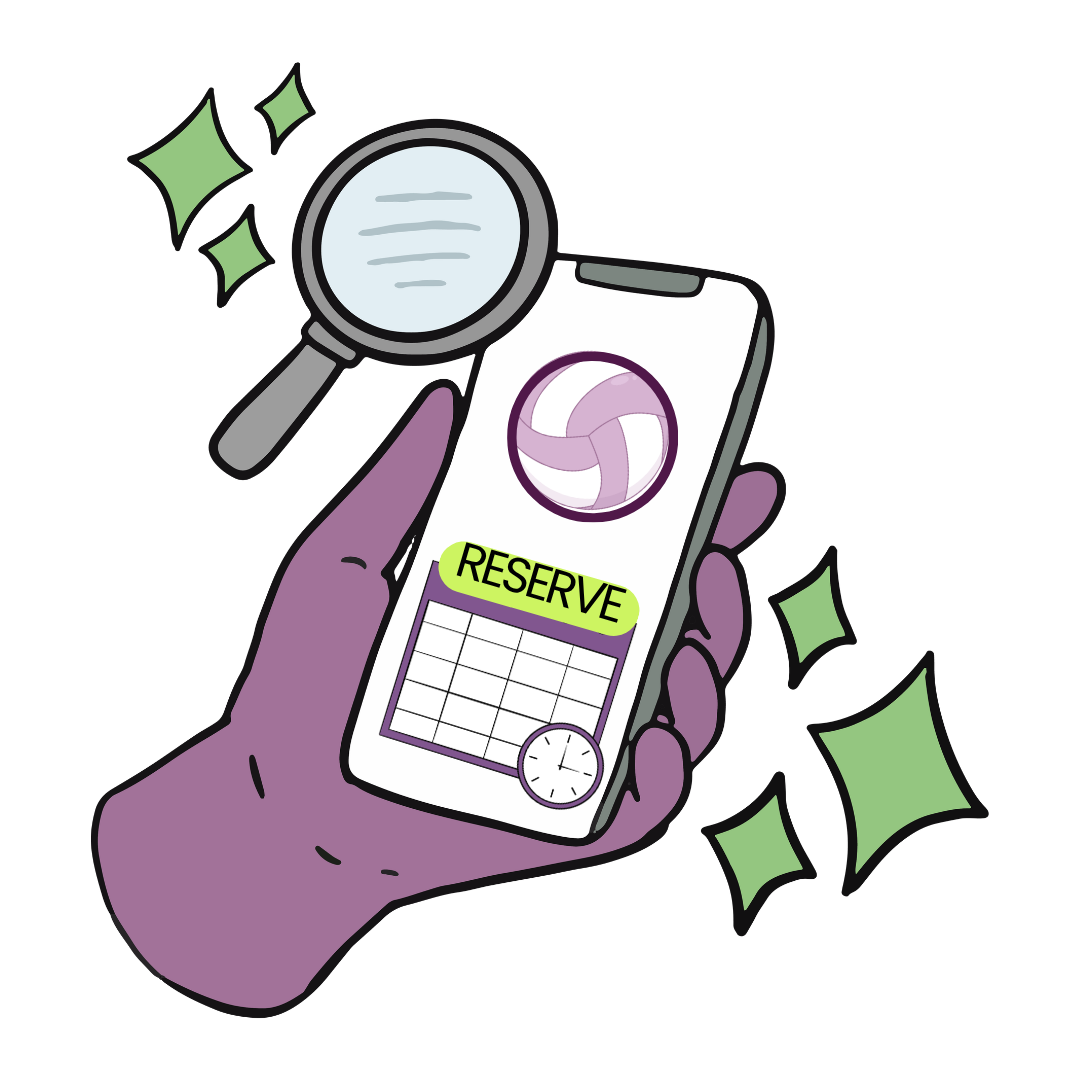
Browse the Lending Locker category. Choose the item you wish to borrow. Select a date for pick-up and click "RESERVE" A collection code will be emailed to you. |
3 |
Pick-Up
|
Visit the locker location during open hours. Enter the collection pin from your email into the kiosk. The locker door will open for you to collect your item.
|
4 |
Enjoy
|
Use your item safely at home as intended. You will be responsible for any damage to items.
|
5 |
Bring Back
|
Items must be returned to the same location they were borrowed from. Early returns are okay, but late returns will be charged $1/week.
|


Late, Dirty, or Broken? |
Tell us right away!
|